Train Effortlessly.
Upskill Rapidly.
Pushing the boundaries of what online learning can be!


Train Effortlessly.
Upskill Rapidly.
Pushing the boundaries of what online learning can be!









Attend unlimited live classes, and if you get busy, watch the recording anytime.
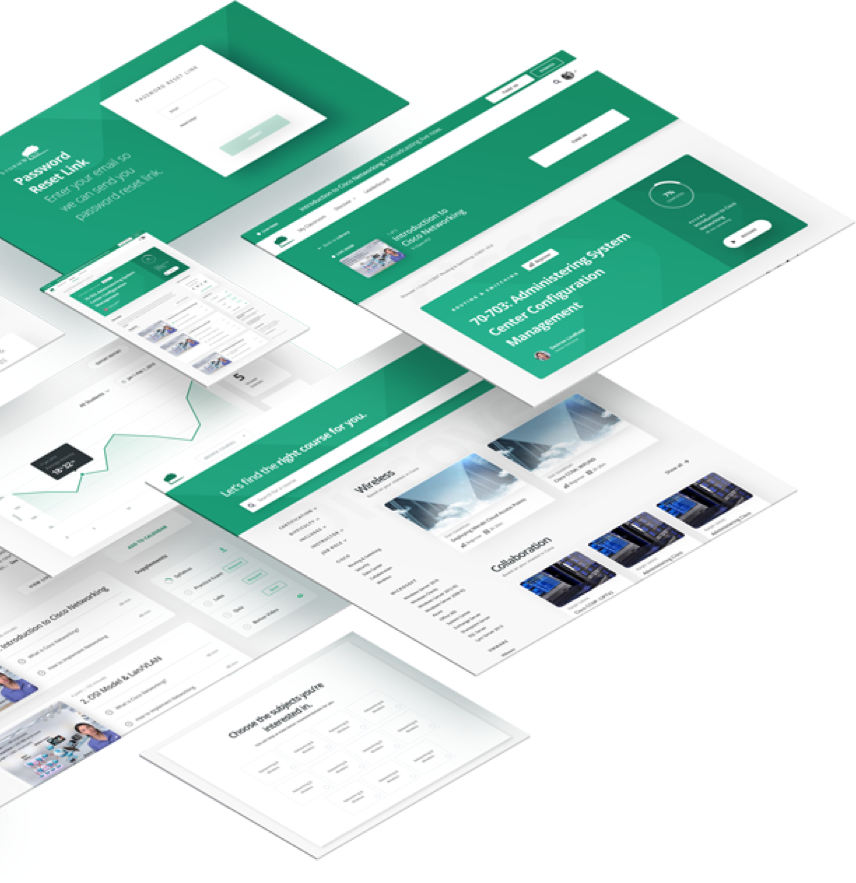
Attend unlimited live classes, and if you get busy, watch the recording anytime.
Attend your class 1 time or 100 times. Do what you need to succeed.
If you can't attend the live show, watch the recording anytime, day or night.
Take your teams tech skills to the next level and never be behind.

I have watched videos from your site and they are great, but the live class was even better. The ability to interact with the instructor as well as other attendees is a great bonus.
I have watched videos from your site and they are great, but the live class was even better. The ability to interact with the instructor as well as other attendees is a great bonus.
Learn from the instructors who wrote the books in their field.
We help you engage with world class instructors during or after class.
We go beyond the standard “death by PowerPoint” lectures.
We take your career to the next level and show you the path forward.

Doug, is very energetic, and really knows the material. If someone doesn't understand something; he doesn't just repeat it. He explains it another way so that you can understand it.
Doug, is very energetic, and really knows the material. If someone doesn't understand something; he doesn't just repeat it. He explains it another way so that you can understand it.
Learn from the instructors who wrote the books in their field.
AWS, Azure, Cloud Computing, Subnetting

Test your knowledge with free virtual labs, practice exams, and study guides.
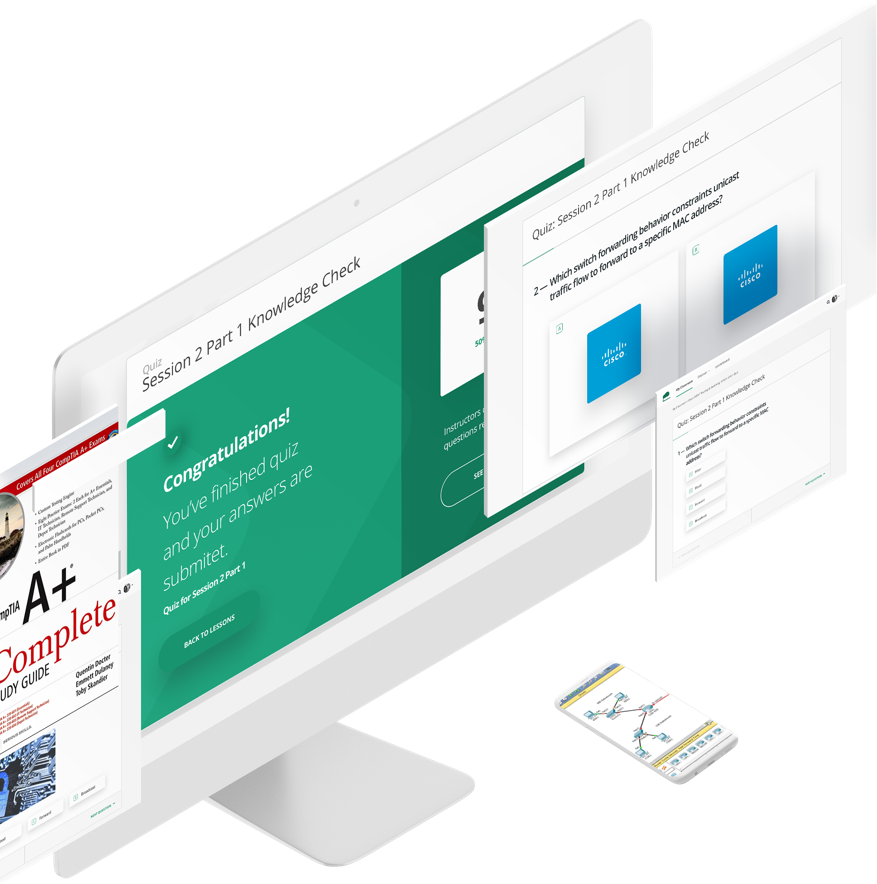
Test your knowledge with free virtual labs, practice exams, and study guides.
Extensive exams to get you ready for any certification.
1000+ virtual labs to put your learning to the test.
Follow along every lesson and never miss a chapter.

Great lab environment. A little different than the Boson ones from previous classes but I think it was an improvement as I don't need to install anything and can run them from anywhere very easily.
Great lab environment. A little different than the Boson ones from previous classes but I think it was an improvement as I don't need to install anything and can run them from anywhere very easily.
Skill up with course content that is updated monthly. We teach the bleeding edge!
Study the relevant material, not the out-of-date versions.
You’ll never need another course to “fill the gaps”.
Watch your course on any device, at any time.

I have used other training sites and feel there was much information that was missing and knew I wouldn’t be able to pass exams without additional studying. However, I have learned more with 70-741 class than what I have with other courses.
I have used other training sites and feel there was much information that was missing and knew I wouldn’t be able to pass exams without additional studying. However, I have learned more with 70-741 class than what I have with other courses.
Skill up with course content that is updated monthly. We teach the bleeding edge!